Android (Imap)
This tutorial describes how to setup an email account with IMAP and SMTP. The difference to Exchange is that IMAP is syncing only emails.
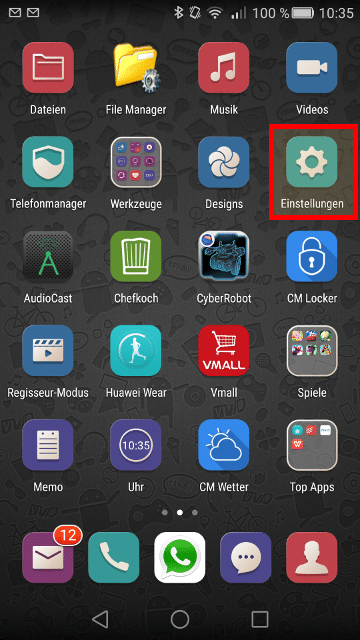
To start we need to create a new account. Go to the settings panel
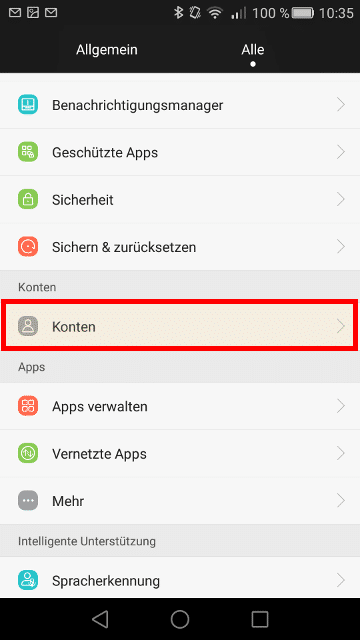
Go to the accounts management
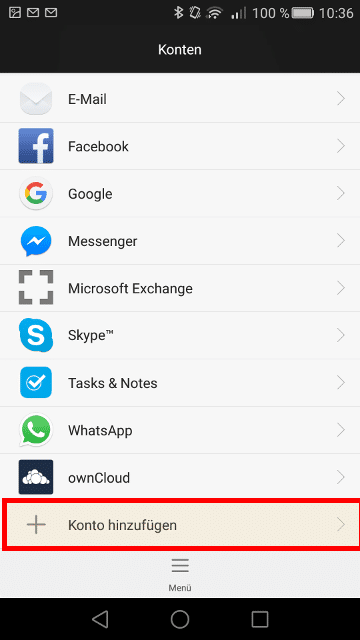
Select “Add account”
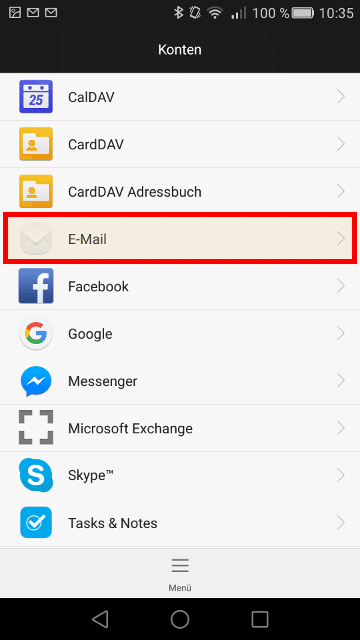
Select “Email” as account type
Insert your email address and your password
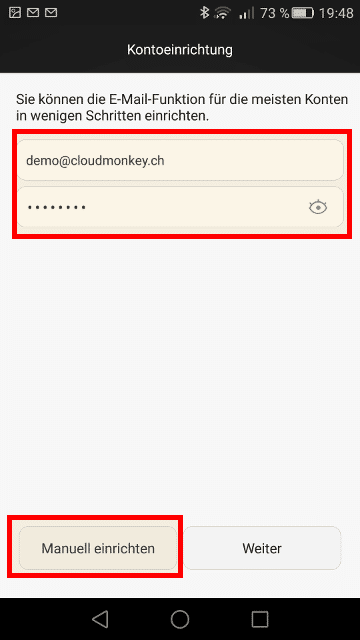
Then click Next for automatic data completition. It is recommended to select manual configuration
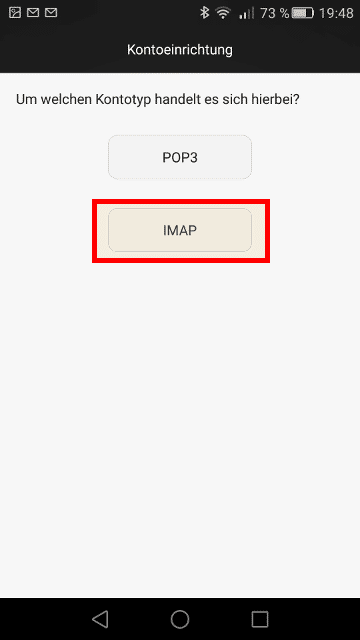
Choose IMAP as mail account type
Now complete the informations with Imap Server, port and security type
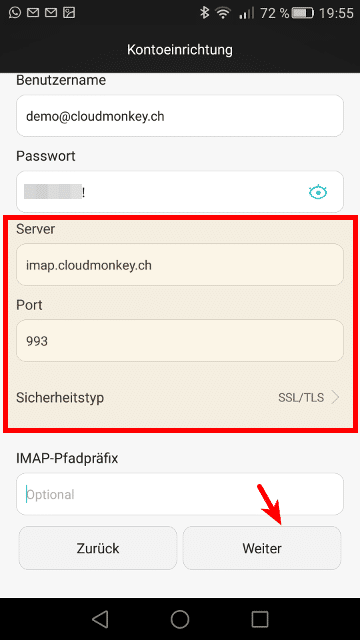
Then click Next. The IMAP account settings will be proven.
Now the SMTP credentials must be inserted, SMTP Server, port and security type
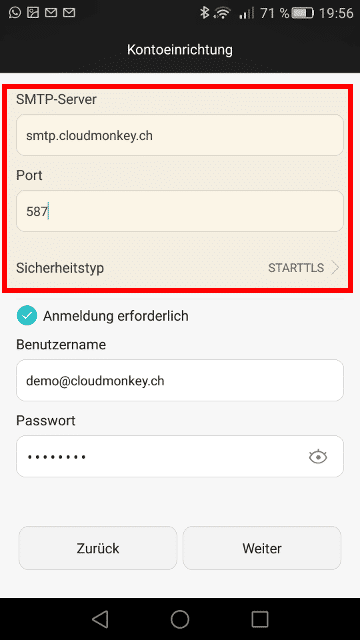
Then click Next. The SMTP accoumt settings will be proven
When your credentials are inserted correctly you will see the following screen.
Define additional settings for synchronization
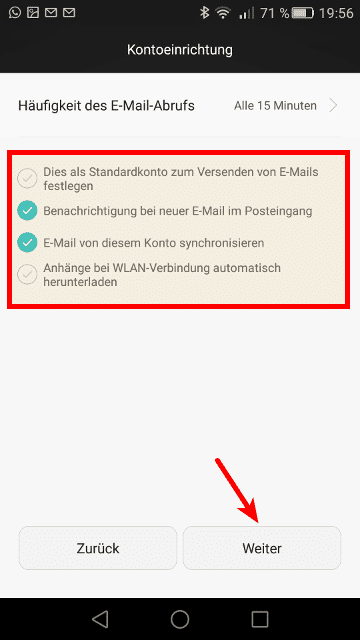
Click Next.
Define account name and type your name connected with your email account
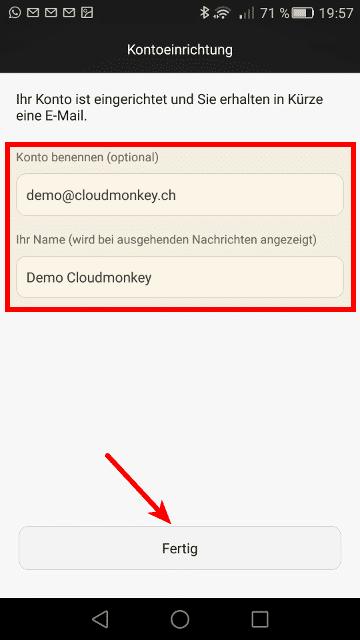
Click finish, your new account is created.